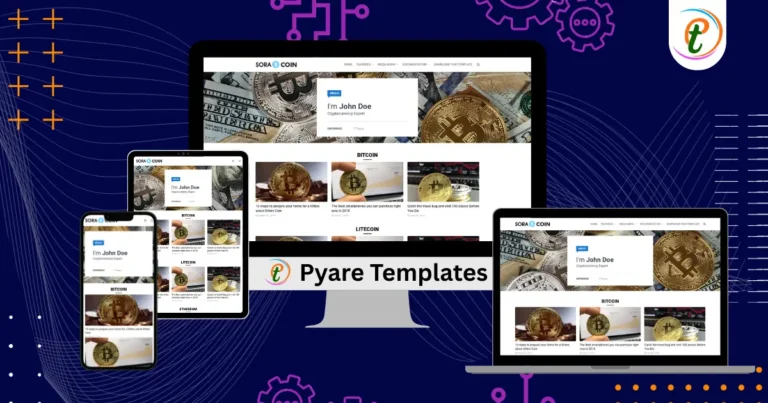
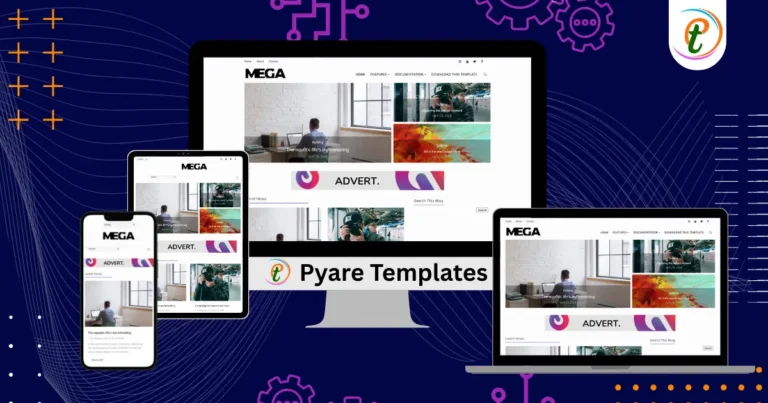
The Tarnished Blogger Template by SoraTemplates is crafted as a professional-looking Blogger theme with portfolio and video gallery capabilities. As described on the template page, it supports a “WordPress Look, 2 Columns, 4 Columns Footer, Right Sidebar, Portfolio, Header Banner, Featured Content Slider, Fixed Width, Blue Background, Top Navigation Menu, Page Navigation.”
Key features include:
- A 2-column primary layout with a right sidebar, giving your main content plenty of space while retention of widget or ad area in the sidebar.
- A featured content slider in the header area — ideal for gallery, video, or “top posts” showcase.
- Blue background colour scheme by default, with header banner area and top navigation menu.
- A 4-column footer, providing ample space for additional widgets, links, or monetisation zones.
- Designed for uses such as portfolio, video gallery, or visually rich blogs (as noted: “video gallery blogger templates … you can make youtube gallery sites using this theme” )
Future of the Tarnished Blogger Template
To keep the Tarnished template fresh, modern, and high-performing as blogging trends evolve, consider applying the following modernisations:
- Ensure full responsiveness & mobile-first optimisation: Since the template is described as “fixed width”, updating it to a fluid or responsive flex layout will improve UX on mobiles & tablets.
- Implement lazy loading for images/videos in the slider and gallery: High-visual blogs benefit significantly from deferred loading of heavy assets, which also boosts SEO via better Core Web Vitals.
- Add a dark mode / alternate colour scheme toggle: The blue-background default works well, but offering light/dark variants will cater to user preferences and accessibility.
- Integrate structured data/schema markup: Especially if you’re running a video or gallery blog—use schema like
VideoObject,Article, breadcrumbs, and gallery markup to help search engines interpret and display your content better. - Update widget areas and monetisation zones for modern needs: The 4-column footer and sidebar are strong, but consider adding dynamic widgets like “trending posts”, social feeds, email-signup, infinite scroll, etc., while preserving layout integrity.
- Performance & compatibility audit: Clean unused CSS/JS, test across new browsers and devices (foldables, high-PPI displays), and ensure fast loading times, which remain critical for SEO and user experience.
With these updates, Tarnished can serve as a durable and flexible foundation for a blog focused on visual content, portfolio display, video, or gallery-style posts, maintaining relevance well into the future.
[pt_video]
Conclusion: If you’re setting up a blog that emphasises visuals — whether video reviews, a gallery, a portfolio, or a magazine-style layout — the Tarnished Blogger Template offers a feature-rich starting point. With its 2-column plus sidebar structure, featured slider, 4-column footer, and portfolio support, it caters well to content-rich sites. By applying modern improvements (responsive tweaks, lazy loading, schema markup, dark mode), you can keep your blog performant, user-friendly, and SEO-optimised for years to come.